A lock screen that fools people
Set a cracked wallpaper on your phone and watch friends wince every time you pick it up.
HD · 2K · 4K · 8K · Free
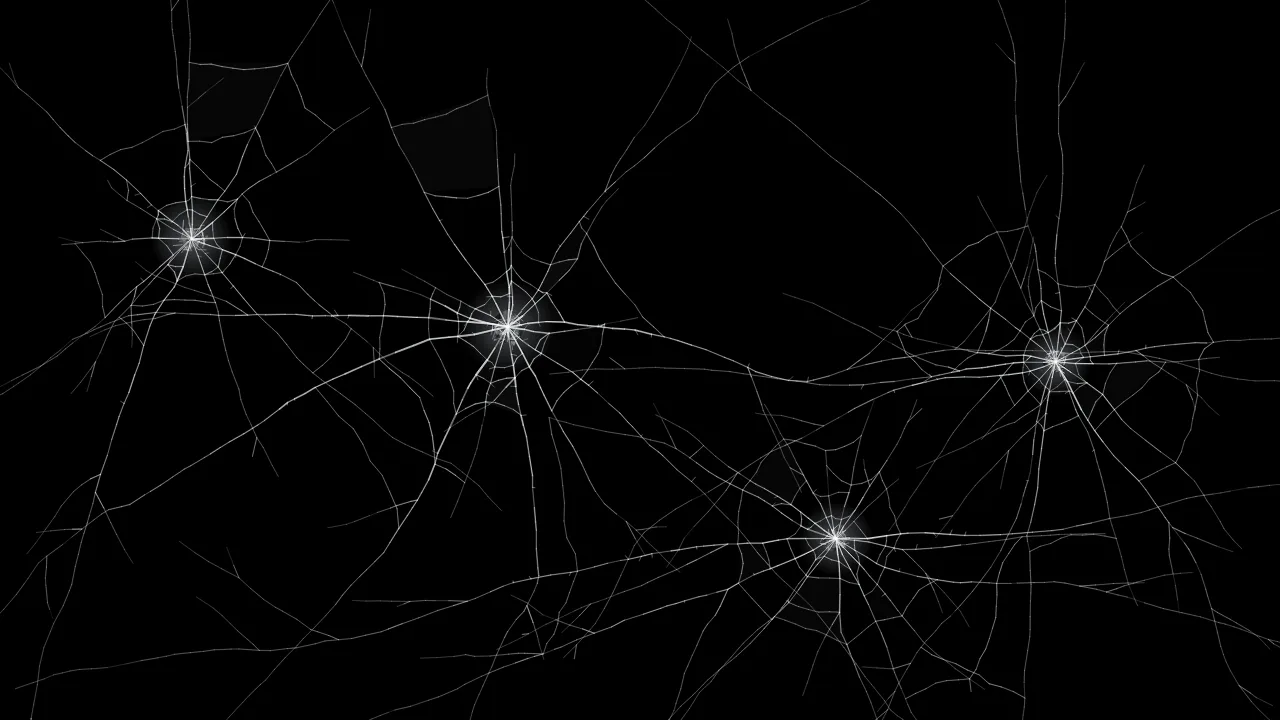
Download a realistic broken screen wallpaper for your phone, tablet or computer, rendered at the exact resolution of your screen. Pick a design below or create a new one.
F start prank N new crack D download Esc or long-press to exit
12 designs · any size
Tap a wallpaper to download it in HD, 2K, 4K, 8K or your device size, or choose Prank to break a screen with it.
Why people download them
Set a cracked wallpaper on your phone and watch friends wince every time you pick it up.
Shattered glass over a black desktop looks sharp on OLED laptops and 4K monitors alike.
Use a crack as the base for thumbnails, posters and video intros. Need transparency?
Black wallpapers switch most OLED pixels off, so a cracked black wallpaper can use slightly less power.
How it works
Wallpaper guide
Exact device sizes are in the Or match a device exactly list: iPhone 16 Pro Max, 16 Pro, 16, 15 and SE, Samsung Galaxy S24 and S24 Ultra, Google Pixel 9 Pro, iPad Pro 13″, MacBook Air 13″, MacBook Pro 16″, ultrawide and 5K monitors. This screen uses the resolution of the device you are on right now.
Most cracked screen wallpapers online are a single photo or render resized for every device, so they look soft on a high-resolution phone and pixelated on a 4K monitor. These are different: each crack is a set of instructions rather than a fixed picture, so it is drawn again at whatever size you choose. A crack at 8K has four times the detail of the same crack at 4K, with the same thin, bright hairlines.
PNG is lossless and the best choice for wallpapers — on a black background it is usually only a few megabytes, even at 4K. JPG gives smaller files and works everywhere, but cannot be transparent. WebP is smaller still and supports transparency, and works on modern phones and computers.
A cracked wallpaper on the lock screen is a slow-burn prank: friends see it every time your phone lights up. For a bigger reaction, use the broken screen prank to crack the screen live, with sound, at the moment someone touches it — or try the broken phone screen prank made for iPhone and Android.
Helpful answers
Yes. Every wallpaper is free to download in every size, with no watermark and no sign-up, and you may use them for personal and commercial projects.
Yes. Pick any design, then choose 4K (3840 × 2160) or 8K (7680 × 4320) in the download window. Each file is rendered at that resolution, so the cracks are sharp rather than upscaled. 8K images need a desktop browser such as Chrome, Edge or Firefox; most phones top out at 4K.
Choose your model from the device list, for example iPhone 16 Pro Max (1320 × 2868), iPhone 16 (1179 × 2556) or Galaxy S24 Ultra (1440 × 3120), or choose This screen to match the phone you are using. Portrait 4K also works on any phone.
Save the image to Photos, open Settings › Wallpaper › Add New Wallpaper › Photos, choose the image, and tap Add. Choose Set as Wallpaper Pair to use it on both the lock screen and home screen.
Yes. Use the generator at the top of the page: pick a style, press New crack for a random pattern, move the Damage slider, and tap to add cracks. Then press Download to save it in the size you need.
Yes. Choose Transparent as the background and PNG or WebP as the format. The file then contains only the cracks, ready to lay over another image.